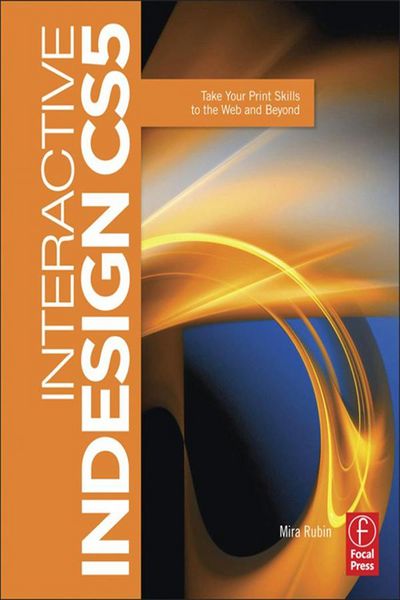
Produktbild: Interactive Indesign CS5

Interactive Indesign CS5 Take Your Print Skills to the Web and Beyond

68,99 €

inkl. gesetzl. MwSt., Versandkostenfrei


Beschreibung

Produktdetails

Einband

Taschenbuch

Erscheinungsdatum

17.12.2010

Abbildungen

450 Farbabb.

Verlag

Focal Press

Seitenzahl

398

Maße (L/B/H)

24,5/18,9/2,7 cm

Gewicht

975 g

Sprache

Englisch

ISBN

978-0-240-81511-4

Beschreibung

Rezension

Written in a simple, concise style, this book is for any InDesign user who wants to push the envelope on delivery without having to learn new applications. -Katherine Houghton, Adobe Certified Instructor, Amediamark 

 Prior to reading this book generating visually rich interactive documents was a painful and multi-application process, now with CS5 and this excellent primer, creating these documents is as easy as opening up InDesign. -Saul Rosenbaum, Visual Chutzpah

 . enabled me to break through into web design more easily than imagined....provided career-transforming training and techniques by allowing a greater understanding and ability to create and implement effective web-based designs.-Lisa Adamaitis, president, Vaal Design

Produktdetails

Einband

Taschenbuch

Erscheinungsdatum

17.12.2010

Abbildungen

450 Farbabb.

Verlag

Focal Press

Seitenzahl

398

Maße (L/B/H)

24,5/18,9/2,7 cm

Gewicht

975 g

Sprache

Englisch

ISBN

978-0-240-81511-4

Herstelleradresse

Libri GmbH
Europaallee 1
36244 Bad Hersfeld
DE

Email: gpsr@libri.de

Noch keine Bewertungen vorhanden

Verfassen Sie die erste Bewertung zu diesem Artikel

Helfen Sie anderen Kundinnen und Kunden durch Ihre Meinung.

Kundinnen und Kunden meinen

Bewertungen (0)

Die Leseprobe wird geladen.
  • Produktbild: Interactive Indesign CS5
  • Introduction Part One: Interactive InDesign! Chapter 1: Showcase Chapter 2: Designing for Interactivity Chapter 3: The Interactive Interface Part Two: Buttons Chapter 4: About Buttons Chapter 5: Simple Image-based Buttons Chapter 6: Multi-object Buttons Chapter 7: Button Variations Part Three: Animation Chapter 8: Introducing: Animation in InDesign! Chapter 9: Getting Fancy with Animation Chapter 10: Multi-state Objects Chapter 11: Banner Ads Chapter 12: Page Transitions Part Four: Working with Media In Indesign Chapter 13: Abode Media Encoder Chapter 14: Adding Media in InDesign Part Five: Bookmarks, Hyperlinks, and Cross-references Chapter 15: Bookmarks Chapter 16: Hyperlinks and Cross-references Part Six: Layout Chapter 17: Working with Text Chapter 18: Multi-page Document Layout Chapter 19: Shapes and Color Part Seven: Output: Processes, Pitfalls, and Performance Chapter 20: Output Chapter 21: Preparing for Output