
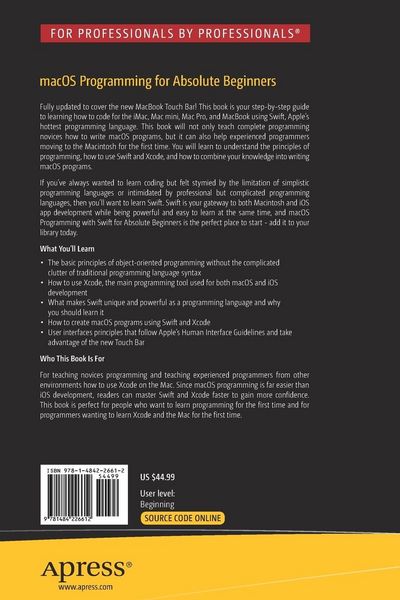
• Produktbild: macOS Programming for Absolute Beginners
  • Produktbild: macOS Programming for Absolute Beginners
- 12%

macOS Programming for Absolute Beginners Developing Apps Using Swift and Xcode

12% sparen

69,99 € UVP 80,24 €

inkl. gesetzl. MwSt., Versandkostenfrei


Beschreibung

Produktdetails

Einband

Taschenbuch

Erscheinungsdatum

02.03.2017

Abbildungen

XXVI, 647 p. 360 illus., 349 illus. in color.

Verlag

Apress

Seitenzahl

647

Maße (L/B/H)

23,5/15,5/3,5 cm

Gewicht

1007 g

Auflage

1st ed.

Sprache

Englisch

ISBN

978-1-4842-2661-2

Beschreibung

Produktdetails

Einband

Taschenbuch

Erscheinungsdatum

02.03.2017

Abbildungen

XXVI, 647 p. 360 illus., 349 illus. in color.

Verlag

Apress

Seitenzahl

647

Maße (L/B/H)

23,5/15,5/3,5 cm

Gewicht

1007 g

Auflage

1st ed.

Sprache

Englisch

ISBN

978-1-4842-2661-2

Herstelleradresse

Libri GmbH
Europaallee 1
36244 Bad Hersfeld
DE

Email: gpsr@libri.de

Noch keine Bewertungen vorhanden

Verfassen Sie die erste Bewertung zu diesem Artikel

Helfen Sie anderen Kundinnen und Kunden durch Ihre Meinung.

Kundinnen und Kunden meinen

Bewertungen (0)

  • Produktbild: macOS Programming for Absolute Beginners
  • Produktbild: macOS Programming for Absolute Beginners

  • Chapter 1: Understanding Programming

    Chapter 2: Getting to Know Xcode 8

    Chapter 3: The Basics of Creating a Mac Program

    Chapter 4: Getting Help

    Chapter 5: Learning Swift with Playgrounds

    Chapter 6: Manipulating Numbers and Strings

    Chapter 7: Making Decisions with Branches

    Chapter 8: Repeating Code with Loops

    Chapter 9: Storing Code in Functions

    Chapter 10: Arrays and Dictionaries

    Chapter 11: Tuples, Sets, and Structures

    Chapter 12: Defining Custom Types

    Chapter 13: Creating Classes and Objects

    Chapter 14: Inheritance, Polymorphism, and Extending Classes

    Chapter 15: Creating a User Interface

    Chapter 16: Working with Views and Storyboards

    Chapter 17: Choosing Commands with Buttons

    Chapter 18: Making Choices with Radio Buttons, Check Boxes, Date Pickers, and Sliders

    Chapter 19: Using Text with Labels, Text Fields, and Combo Boxes

    Chapter 20: Designing a User Interface with Constraints

    Chapter 21: Using Alerts and Panels

    Chapter 22: Creating Pull-down Menus

    Chapter 23: Programming the Touch Bar

    Chapter 24: Protocol-Oriented Programming

    Chapter 25: Defensive Programming

    Chapter 26: Simplifying User Interface Design

    Chapter 27: Debugging Your Programs

    Chapter 28: Planning a Program Before and After Coding